Enter Settings > Tool Calibration > 7-Point Calibration, where the calibration method can be set to 6-point calibration.
The calibration procedure is as follows.
Point 1
Robot axis 5 pointing vertically downward
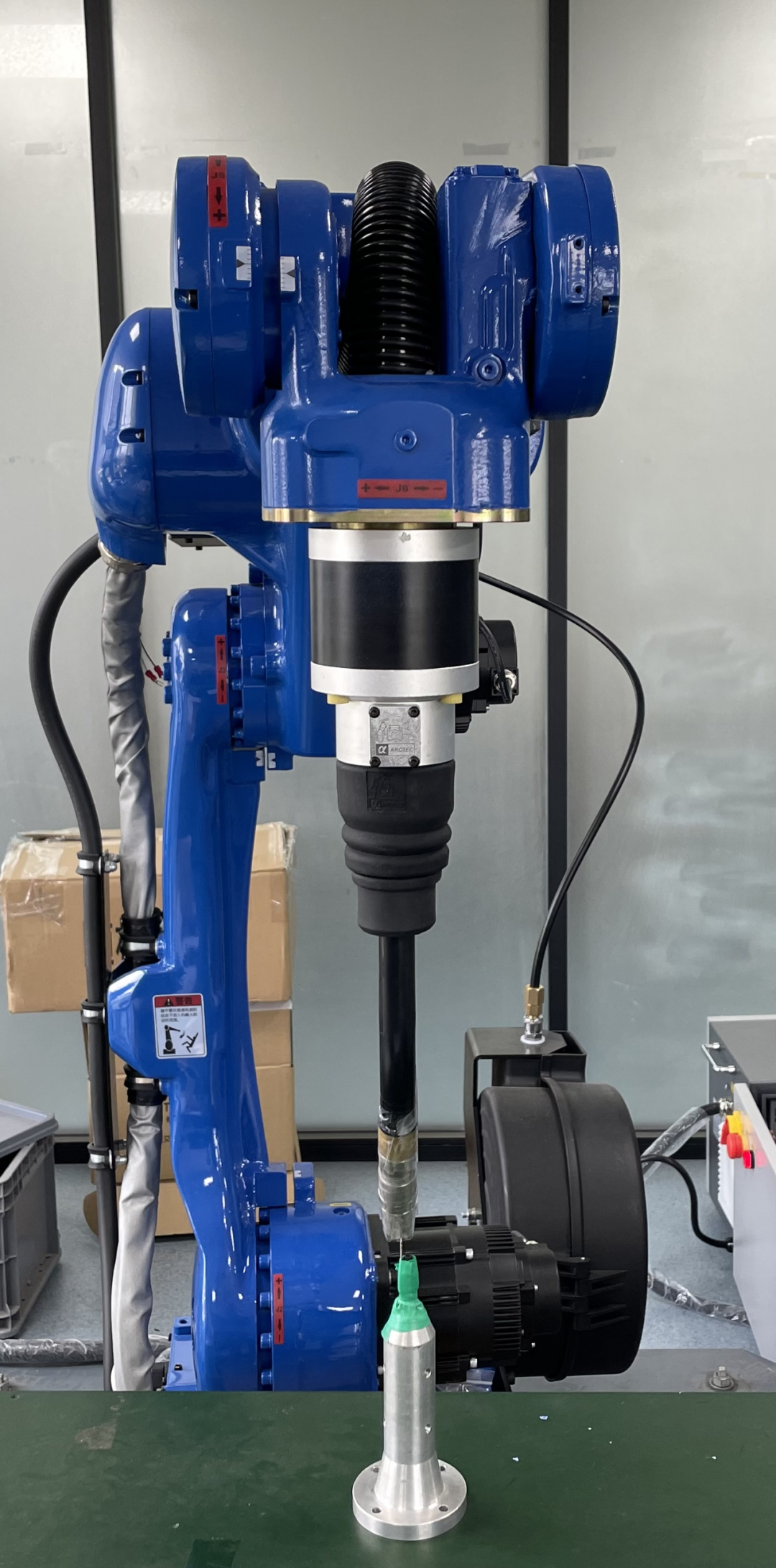
Point 2
From Point 1, rotate the C axis 180°
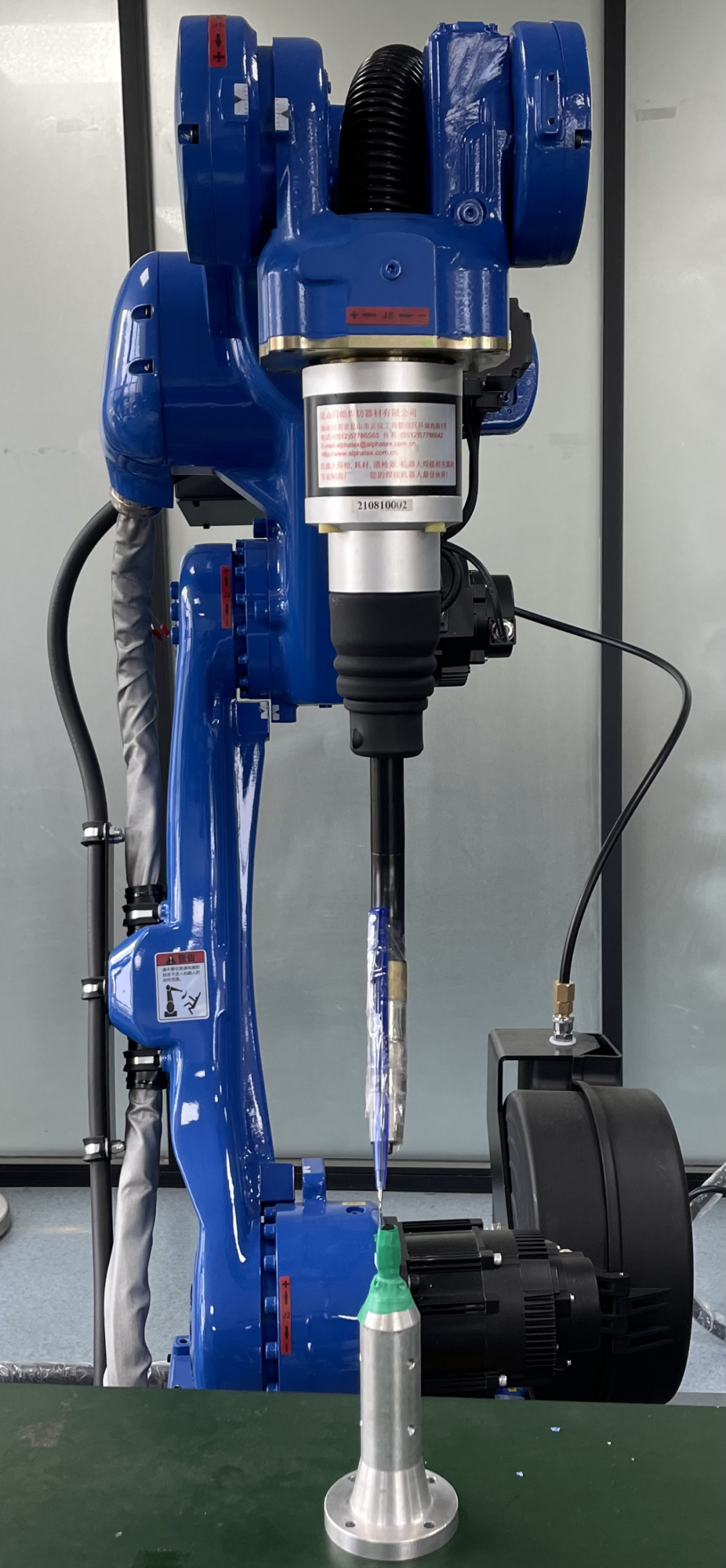
Point 3
Set the B axis angle to 35°
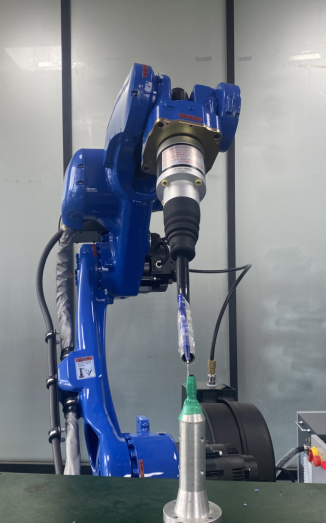
Point 4
Return the robot to zero, then position the tool tip vertically
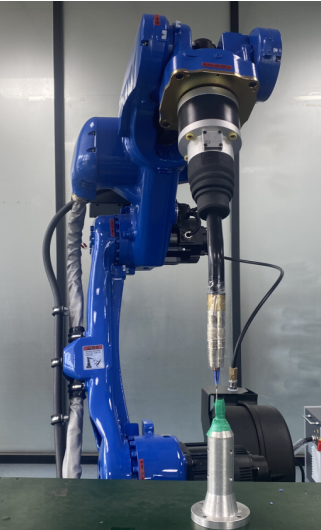
Point 5
From Point 4, move in the X- direction
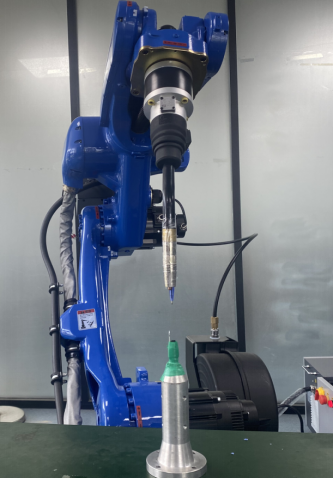
Point 6
From Point 5, move in the Y+ direction
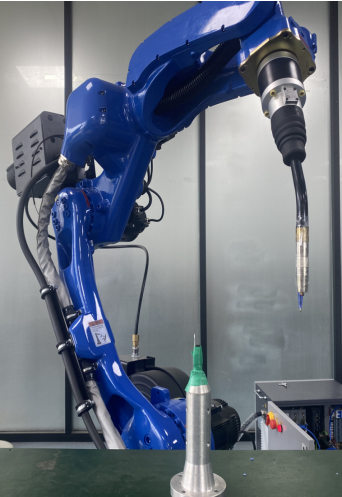
Notes
- After completing the 6-point calibration, select any calibrated point and click 【Run to This Point】 to check whether the calibration is accurate;
- Click the 【Calculate】 button to complete the calibration successfully. Click the 【Back】 button at the bottom to return to the “Tool Calibration” interface; rotate around ABC to check whether the calibrated points are correct.
- If you are not satisfied with any calibrated point during the process, click the 【Cancel Calibration】 button for that row and recalibrate the point.
- Click the 【Back】 button at the bottom to return to the “Tool Calibration” interface.