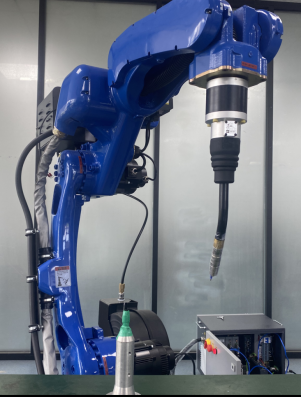
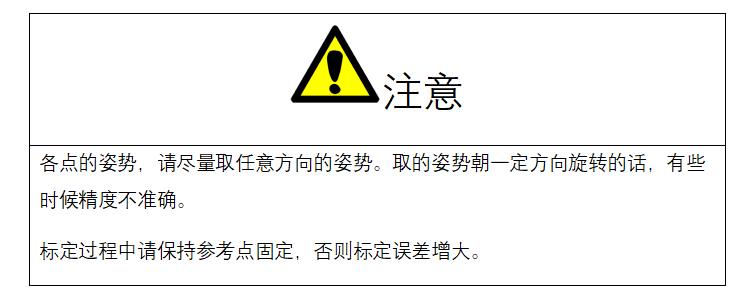
12-point, 15-point, and 20-point calibration share a single calibration interface; calibrating the first 12 points is equivalent to using the 12-point calibration method.
15-point calibration must be performed as a fresh calibration; it cannot be based on the 12-point calculation results. The 12-point calibration result contains only the tool's XYZ axis offsets, with no A/B/C rotation values.
Both 12-point and 15-point calibration can correct the zero point.
After the calibration calculation is completed, moving the robot to the first position will show a deviation, because this calibration method includes a zero-point correction function.
Click the 【20-Point Calibration】 button at the bottom of the “Tool Calibration” interface to enter the calibration interface, as shown.
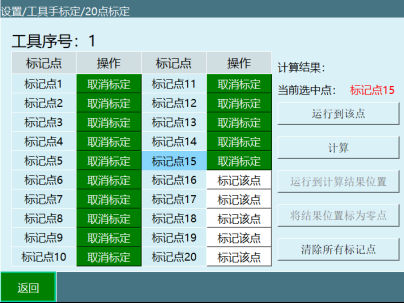
The specific calibration steps are as follows:
- Find a reference point (the tip of the calibration cone serves as the reference point) and make sure this reference point is fixed.
- Start inserting position points; after inserting each point, click 【Mark This Point】; insert fifteen points in total.
The specific steps are as follows.
Point 1
Return the robot to zero, and align the robot tip with the calibration cone tip using Cartesian coordinates.
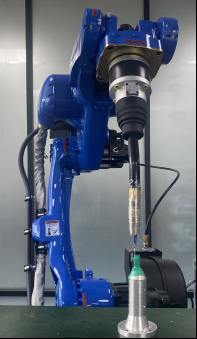
Point 2
From Point 1, rotate C 180° using Cartesian coordinates; align the tip and calibrate Point 2.
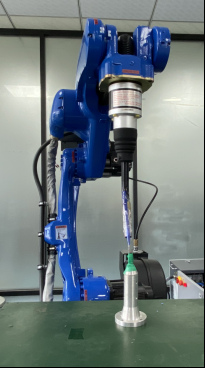
Point 3
Return the robot to zero, and align the robot tip with the calibration cone tip using Cartesian coordinates; calibrate Point 3 (same as Point 1).
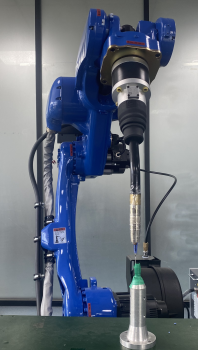
Point 4
From Point 3, move B- using Cartesian coordinates, at an angle between 30° and 60°, with the tip aligned.
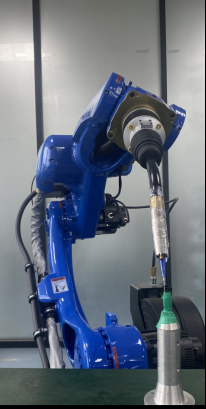
Point 5
From Point 4, move B+ using Cartesian coordinates, with J5 > -90°, align the robot tip with the calibration cone tip, and calibrate Point 5.
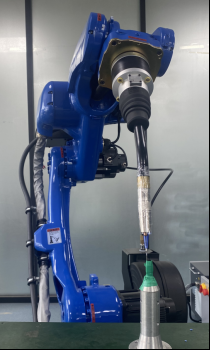
Point 6
Select Point 1 and move the robot to it; from Point 1, move B+ using Cartesian coordinates, with J5 > -90°, align the tip, and calibrate Point 6.
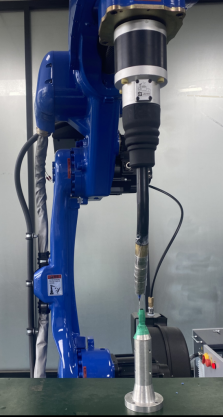
Point 7
From Point 1, move B- using Cartesian coordinates, with J5 > -90°, align the tip, and calibrate Point 7.
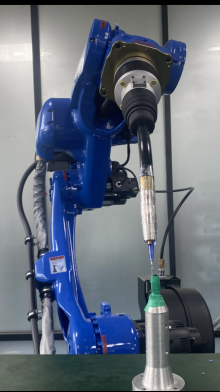
Point 8
From Point 7, rotate A+ 90° using Cartesian coordinates, with J5 > -90°, align the tip, and calibrate Point 8.
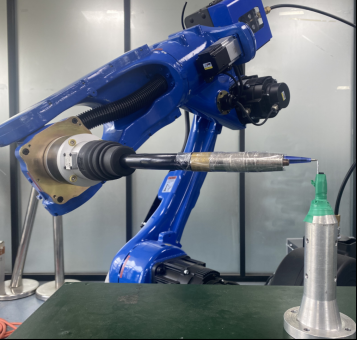
Point 9
From Point 7, rotate A- 90° using Cartesian coordinates, with J5 > -90°, align the tip, and calibrate Point 9.
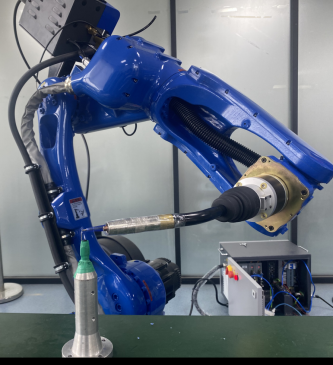
Point 10
Return the robot to Point 1, jog axis 5 upward using joint coordinates until the axis-5 angle is < -90°, align the tip, and calibrate Point 10.
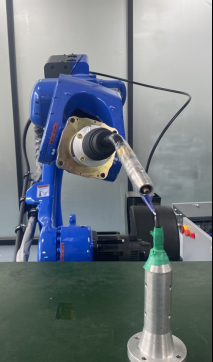
Point 11
From Point 10, rotate A+ 90° using Cartesian coordinates, with the J5 angle < -90°, align the tip, and calibrate Point 11.
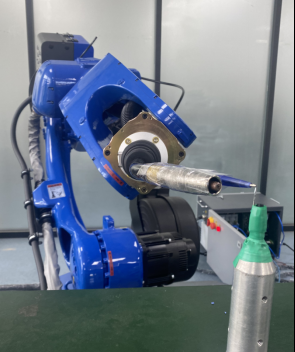
Point 12
From Point 10, rotate A- 90° using Cartesian coordinates, with J5 < -90°, align the tip, and calibrate Point 12.
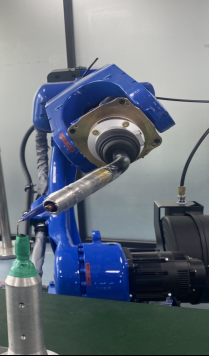
Point 13
Return the robot to the zero position, adjust the robot pose so that the tool tip points vertically downward, align the tip with the calibration cone, and calibrate Point 13.
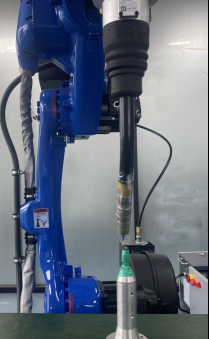
Point 14
From Point 13, move X- using Cartesian coordinates over a certain distance, then directly click to calibrate Point 14.
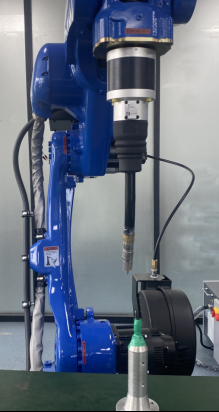
Point 15
From Point 14, move Y+ using Cartesian coordinates over a certain distance, then directly click to calibrate Point 15.