Thanks to the efforts of countless developers and several version iterations, the NexDroid plugin for VSCode brings a wealth of updates this week!
First, What Can the NexDroid Plugin Do?
It frees you from the constraints of the teach pendant, letting you edit robot job programs for iNexBot systems right in VSCode — a programming environment often hailed as the "most powerful IDE on earth."
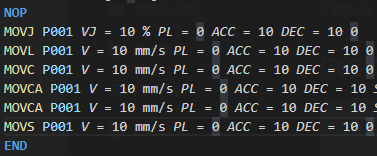
It provides syntax highlighting, so command names and parameters are easy to distinguish at a glance.
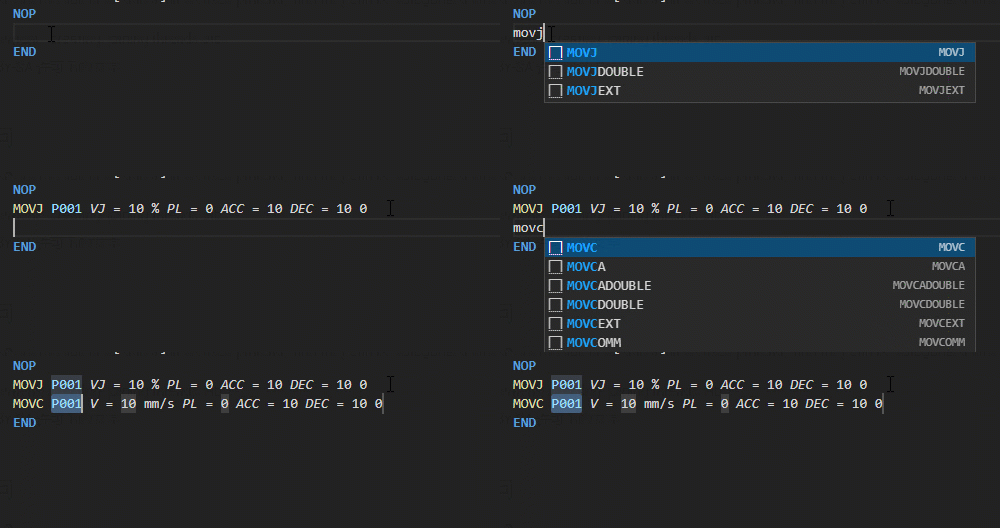
It has auto-completion — type a few characters and the entire command is completed for you.
So What Are the Major Changes This Week?
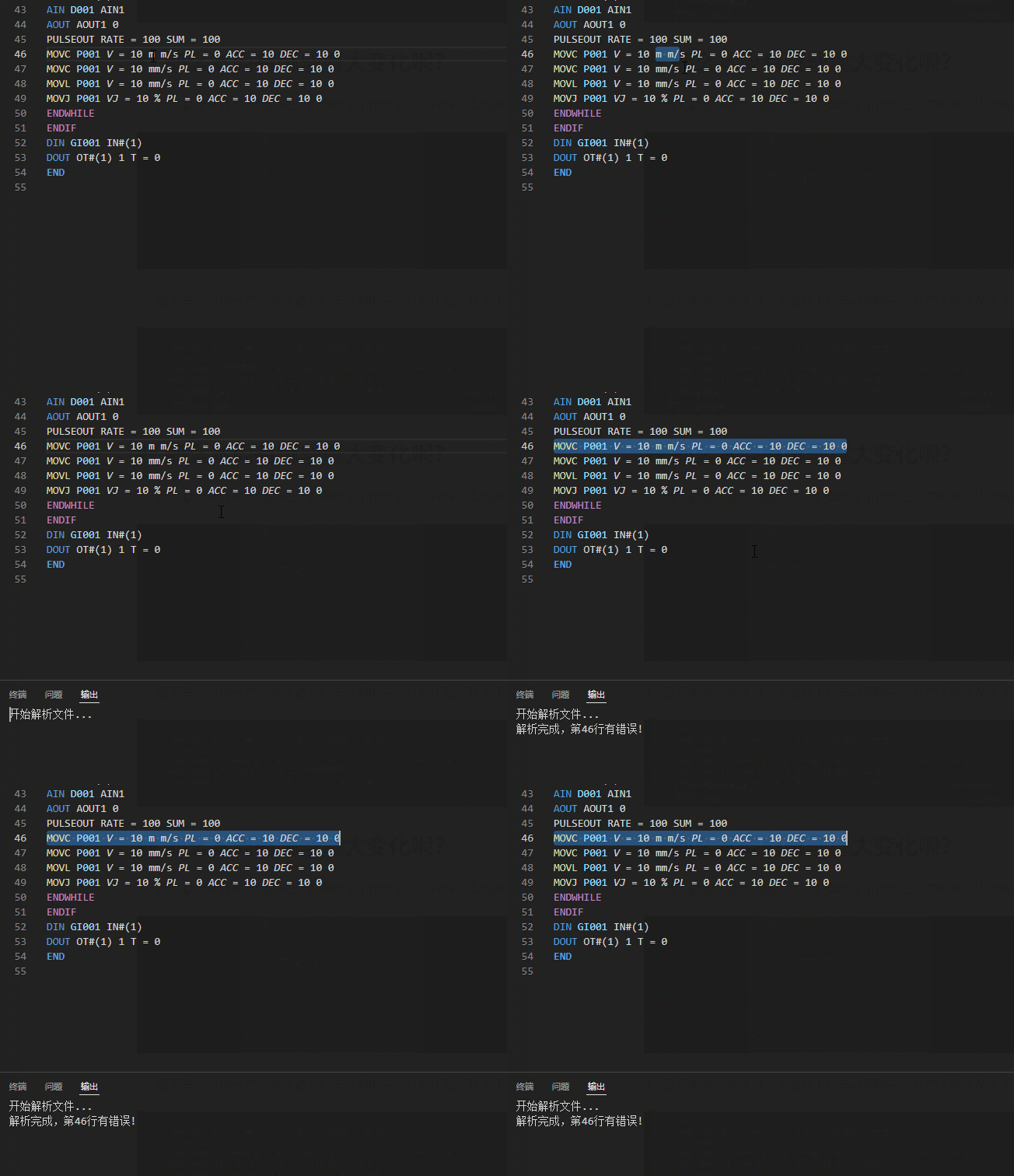
- First is the long-criticized problem of failing to detect syntax errors in commands. This week we bring you file parsing: one click parses the file, identifies errors, and highlights the offending lines.
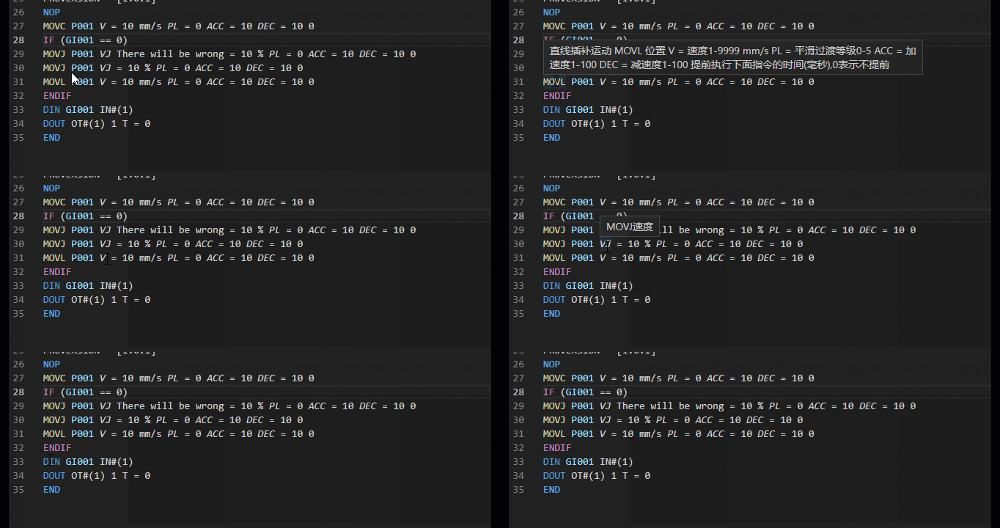
- Hovering over a command name or parameter name now shows detailed hints, so you'll never feel lost!
- And finally, the big update of this release — an all-new sidebar.
When you open a job file for an iNexBot system, you'll notice a new robot icon in the left sidebar.
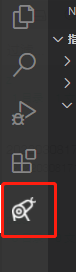
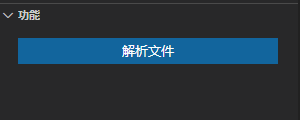
Click it and a "Get Started with NexDroid!" panel appears, split into two windows: "Command Insertion" and "Actions".
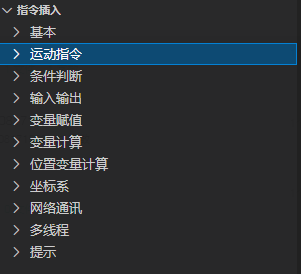
The command insertion panel lists most commonly used commands — click one and it's inserted into the current line automatically!
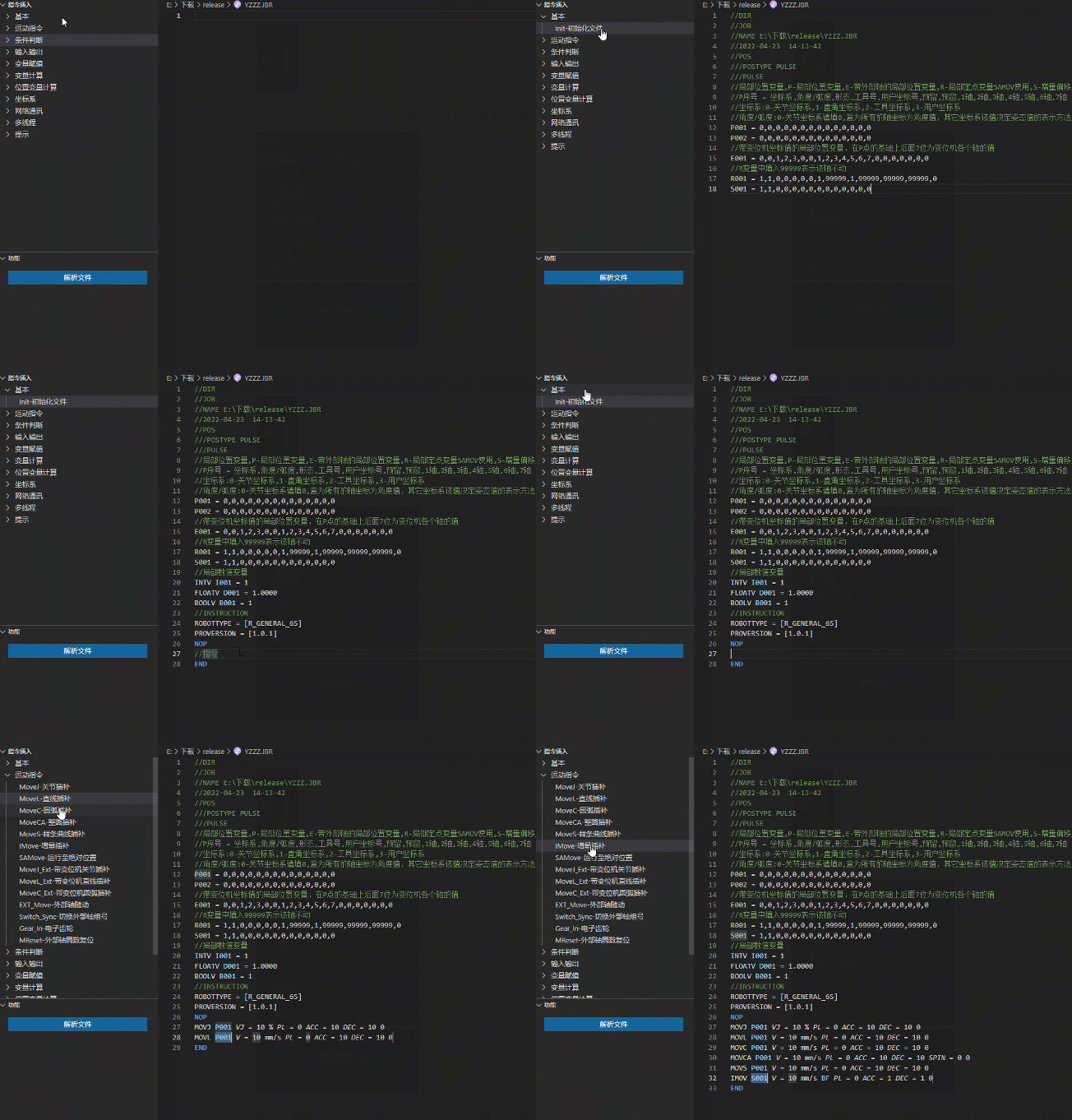
Click "Parse File" in the actions window below to start checking the current file.
So, think the plugin is pretty decent now? Then go ahead and download it to try it out!
How to Download
Method 1
If you're already a VSCode user, simply search for "NexDroid" in the extension marketplace and install it. Existing users should have already been upgraded automatically!
Method 2
If you haven't installed VSCode yet or don't know how to install extensions, go to the iNexBot official website (inexbot.com), open Support > Software Downloads, and download the "VSCode JBR Program Editing Extension"; then follow the instructions to install it!
We welcome all iNexBot Technology users to give it a try and share your feedback and suggestions for improvement!